Choose a data source
When you first use Search Data, ThoughtSpot intelligently selects a data source for you to search. ThoughtSpot chooses the most popular data source in the cluster which you have access to. You can choose a different data source.
Choosing a data source with Answer data panel
With the Data Fluency feature, you can use the Answer data panel.
Before you begin, make sure the Answer data panel experience is set to New experience in your ThoughtSpot user profile. If it is not available, contact your ThoughtSpot administrator to enable it.
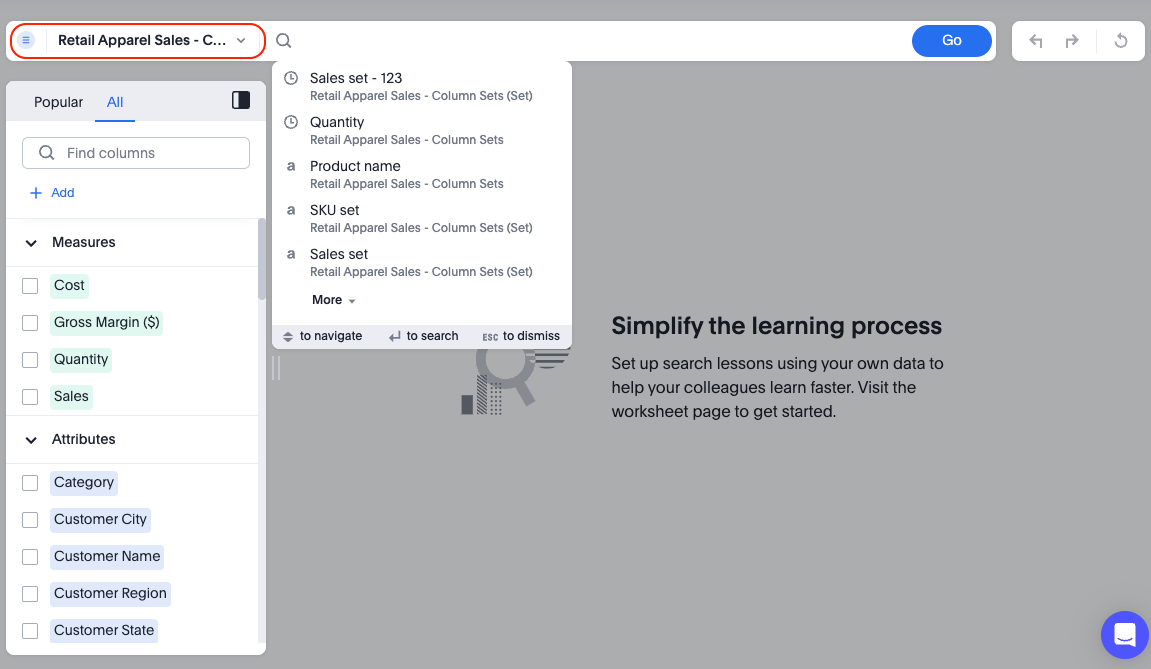
To select a data source, do the following:
-
Select Search data on the Insights tab.
The Search data page appears.
To select a data source, do the following:
-
Click the name of the default data source.
The Select data source window appears.
-
Find the new data source using the following methods:
-
In the Find sources search field, enter the name of a data source.
-
In the scrollable list of data sources, select a data source.
You can filter the list to a specific source type by clicking the gear icon
 , and selecting a specific source type.
You can also filter data sources by how they are tagged.
-