ThoughtSpot browser access
Learn how to reach ThoughtSpot from a browser.
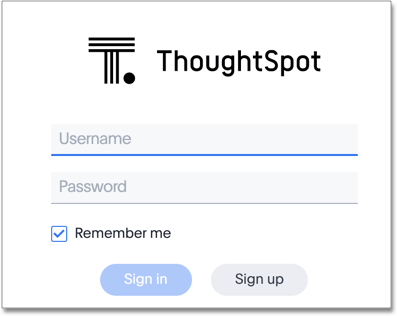
To set up and explore your data, access the ThoughtSpot application from a standard web browser using a username and password.
Before accessing ThoughtSpot, you need:
-
The web address (IP address or server name) for ThoughtSpot
-
A network connection
-
A web browser
-
A username and password for ThoughtSpot.
Supported web browsers
We verified that the following browsers work well with the ThoughtSpot application:
- Mozilla Firefox
-
68.x, 69.x, and later
- Google Chrome
-
90.x, and later
- Microsoft Edge
-
81.0.416.53, and later
- Apple Safari
-
13.x, and later
| While Internet Explorer is supported in ThoughtSpot versions 6.3.0 and earlier, using it is not recommended. Depending on your environment, you can experience performance or UI issues when using IE. |