Accessing deleted blocks
You can access previously deleted blocks by going to the SeekWell web app, selecting command / control + k, and searching for "trash". A menu item appears called "View Trash".
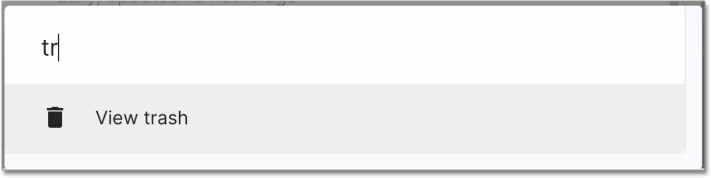
After selecting "View Trash", a list of all your previously deleted blocks appears. Select "Restore" next to whichever blocks you want to restore, and they will be available again from the SeekWell web app.